⭐
Counting Stars
Week 18
You have been contacted by some scientists about the ability to process astronomical images - first, they want you to be able to determine an approximate count of both the number of stars in an image and the percentage of that image (star coverage - given as a percentage) that contains stars (as opposed to the void of space)
The following extremely small, 10x10 and 16x10 images (can be downloaded here and here) can be used for testing/as an example, to make sure your program is working


If you save the images from the links above, you will see the first image contains:
- 6 stars: (the 4 small stars, the 1 bigger square star and the diagonal star in the top right)
- 10% star coverage i.e. 10% of the image is considered to be stars, while 90% is considered to be empty space
While for the second image:
- 3 stars
- 31.25% star coverage
The exact method of calculation isn't given, since for real projects you won't be given a pre-known algorithm or step by step sequence to solve it. It is down to you to choose a reasonable approach and experiment until you have a solution you believe to be giving accurate answers
The two images you should use are shown below - make sure to right click and download them so they are saved in full resolution, rather than e.g. taking a screenshot
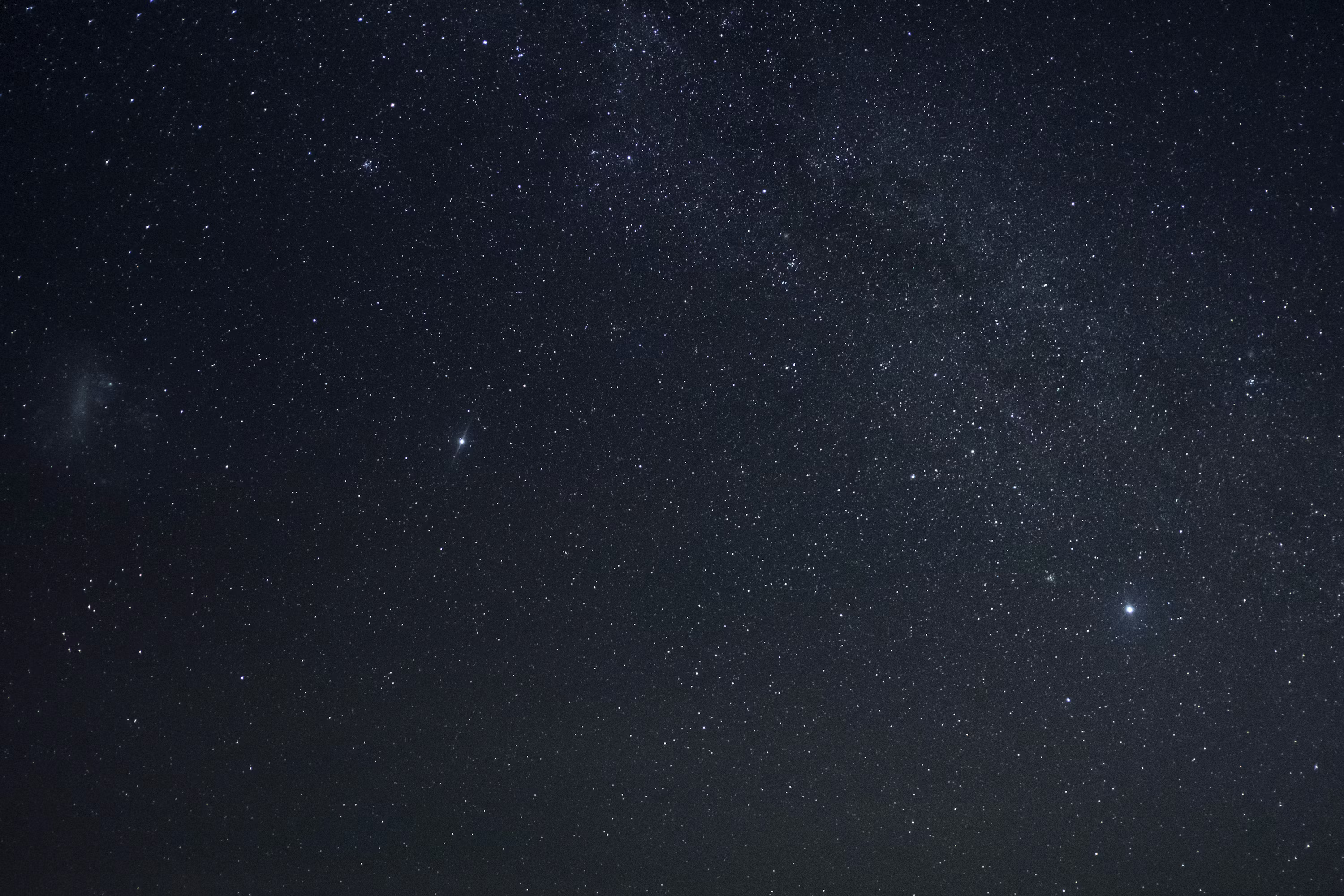
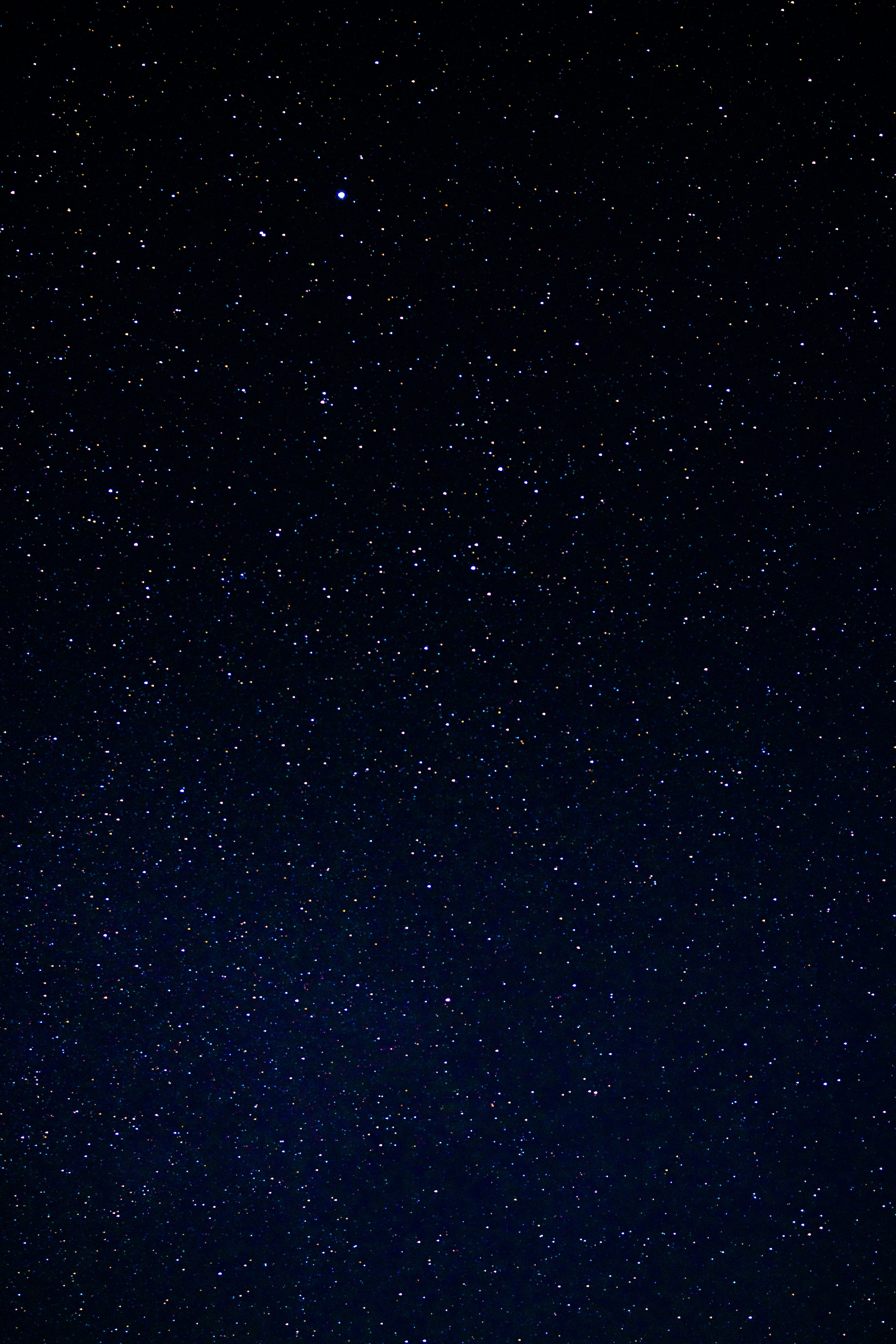
Note: you don't need to get an exact answer for this challenge - as long as your answer falls within a range, it will be marked correct and you will be awarded the challenge points :)
Image 1
Image 2
Hints
Hints will be released at the start of each of the following days - e.g. the start of day 3 is 48 hours after the challenge starts
| Release Day | Hint |
|---|---|
| 2 | You have probably figured out you will want to use the rgb pixel values to determine if cell corresponds to a star or not |
| 3 | Depending on your method/image, you could check all or some of the individual components (red, green, blue) exceed a certain value, check if combined they exceed a certain value |
| 4 | As you can see from the sample images - if a star takes up multiple pixels, it should only be counted as one star (yet all pixels should contribute to the star coverage) - you could do this by checking all neighboring pixels and marking them as visited, so as to not count multiple times |
| 5 | You could create a boolean array (or an integer array and using bit manipulation to represent 64 pixels visited status in a single integer) - alternatively, a you could update the pixel array and set the current pixel to green (0, 255, 0) or some other pre-defined colour for a star - this allows you to easily output the image, to see the pixels that are being counted as stars, in order for you to calibrate your thresholds as to not over or undercount by too much |